
Digital health programmes allow you to take charge of your health, and enjoy the flexibility of accessing health resources, scheduling your own appointments, and receiving personalised health information from the comfort of your home.
You can track your progress, monitor key health metrics, and receive real-time feedback from a health coach, to support you with staying motivated to achieve your health goals.
We understand that not everyone has experience with digital health, so we hope that the following resources will help you to get started!
How do I get registered on the app?
First you will need to download the Liva app. You can do this by clicking on the correct download link in your welcome email as shown below. If you have an Android device, you should click on the Google Play button, and if you have an iOS device, you should click on the App Store button:

You can also download by clicking this link on your device or by searching for the Liva app in your app store and download it directly from there:
1. Open the App Store on iOS or the Google Play store on Android
2. Click on the search bar at the top of the screen and type "Liva", then press enter
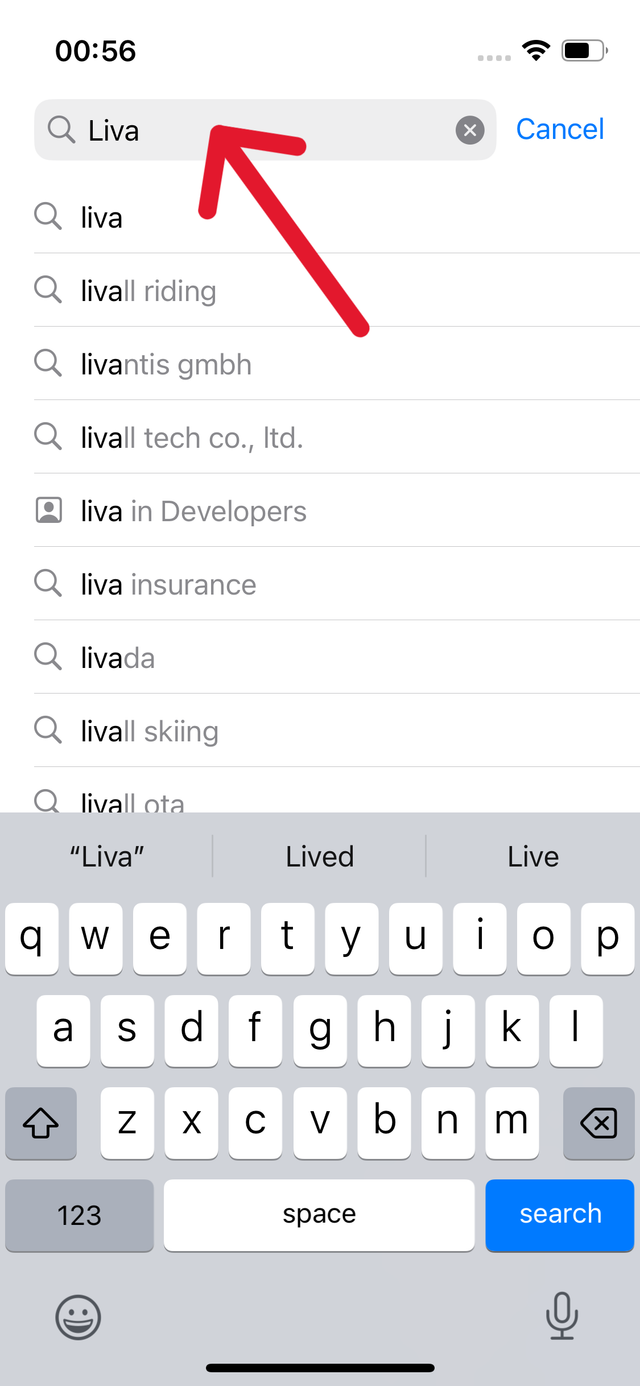
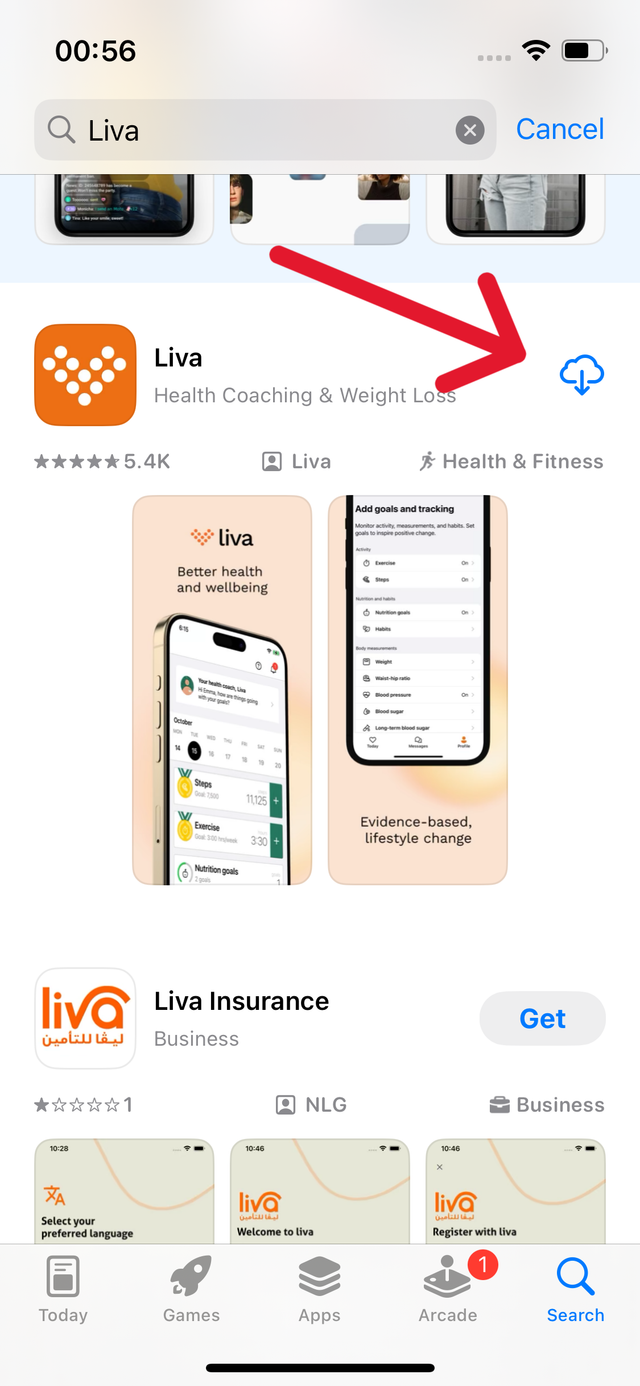
3. Scroll down to the search result that shows the Orange Liva logo, and press the download/install button in the top right corner of the search result
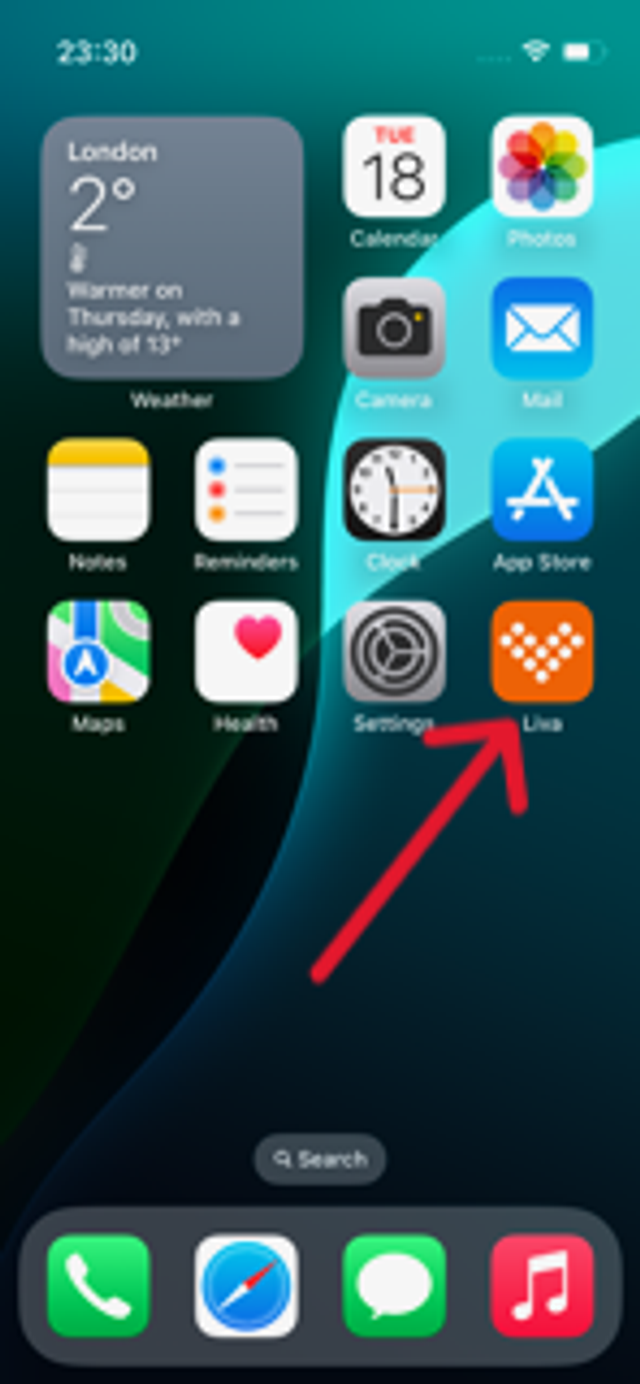
4. The app will now download. Once you have downloaded the app, click on the orange Liva logo on your home screen to open the app.
5. When you have opened the app, click the Get Started button to follow the on-screen instructions to register for your programme
Resources to improve digital skills
For further information and support to enhance your digital skills, check out the following resources:
Citizens Online - Digital Inclusion Resources
Citizens Online offers digital inclusion resources aimed at helping individuals and organisations bridge the digital divide. These resources include guides, toolkits, and training materials to support digital literacy and access to technology.
The Digital Poverty Alliance focuses on addressing the lack of access to digital technologies and resources. The alliance provides information, resources, and advocacy efforts aimed at reducing digital poverty and promoting digital inclusion.
Good Things Foundation - Learn My Way
Learn My Way, provided by Good Things Foundation, is an online learning platform offering free courses to help people develop digital skills. These courses cover topics such as basic internet use, online safety, job searching, and more.
One Digital UK is an organisation focused on promoting digital skills and literacy. They offer training programmes, resources, and support to help individuals and communities improve their digital capabilities.
Digital Unite is an organisation dedicated to promoting digital inclusion and providing support for digital skills development.
Technical Support
Need more help? Click here to explore our other FAQs for quick solutions to common issues, and how-to videos that show how to use the features of the Liva app. If you would like to contact our support team, please use the form below: