First you will need to download the Liva app. You can do this by clicking on the correct download link in your welcome email as shown below. You can also download by clicking this link on your device. If you have an Android device, you should click on the Google Play button, and if you have an iOS device, you should click on the App Store button:

You can also search for the Liva app in your app store and download it directly from there:
1. Open the App Store on iOS or the Google Play store on Android
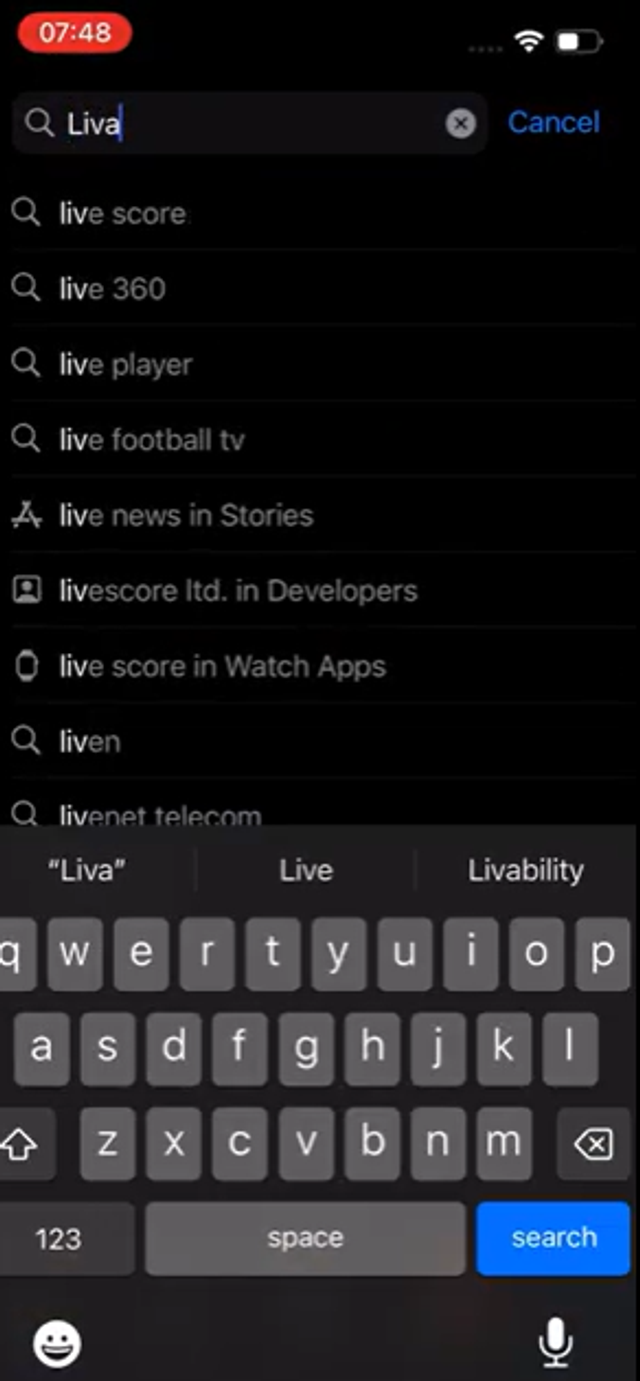
2. Click on the search bar at the top of the screen and type "Liva", then press enter
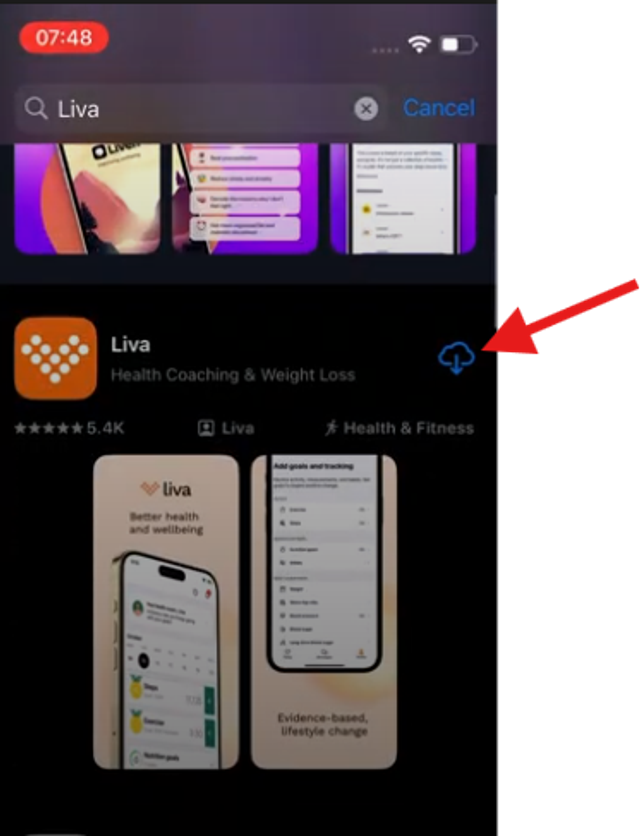
3. Scroll down to the search result that shows the Orange Liva logo, and press the download/install button in the top right corner of the search result
4. The app will now download. Once you have downloaded the app, click on the orange Liva logo on your home screen to open the app.

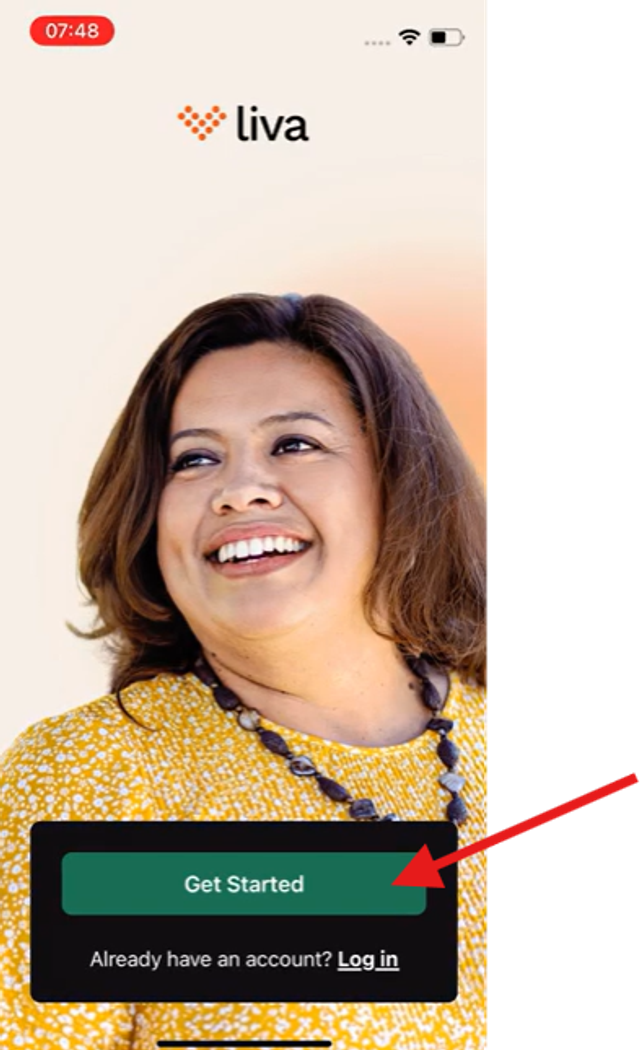
5. When you have opened the app, click the Get Started button to follow the on-screen instructions to register for your programme